Passwords have long been the weakest link in online security, yet most of us still juggle dozens of them every day. Thanks to rapid advances in hardware and software, passwordless login is finally moving from concept to everyday reality.
In this article, we’ll explore how modern technology makes passwordless login possible, from biometric sensors and secure hardware keys to cryptographic standards like passkeys and FIDO2. You’ll learn how these tools work together, why they’re safer than traditional passwords, and how to start using them today.
Introduction
Passwords have been the default gatekeepers of digital life for decades, but they come with well-known weaknesses. People reuse them, forget them, and attackers steal them through phishing, breaches, and brute-force guessing. Modern technology now offers a realistic alternative: passwordless login. Instead of typing a secret string of characters, you prove who you are using something you have, something you are, or a trusted device that already knows you. This article explores how modern technology makes passwordless login possible with clear, practical guidance. You will learn the core mechanisms, how they work together, and how to adopt them safely in personal and professional settings. Understanding the fundamentals of how modern technology makes passwordless login possible helps you make informed decisions, whether you are securing a single account or managing access for an entire organization. Reliable information and consistent habits lead to better long-term outcomes, so the goal here is not hype but a grounded look at what actually works today.
Key Concepts
Passwordless login is not one single technology. It is a family of methods that replace the password with a stronger or more convenient proof of identity. To understand how modern technology makes passwordless login possible, start with four building blocks.
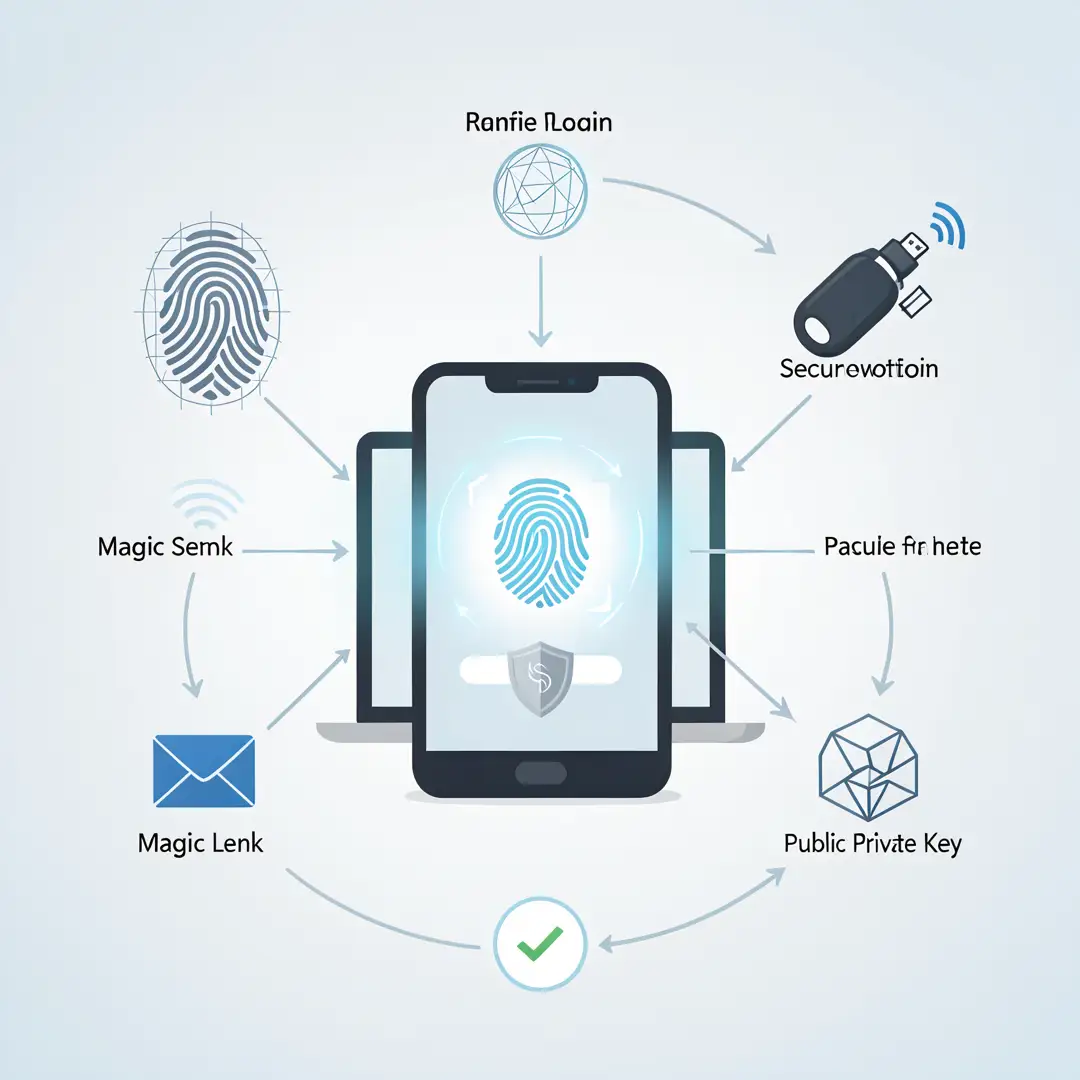
- Public key cryptography. Each device generates a key pair: a private key that never leaves the device and a public key shared with the service. The service sends a challenge, the device signs it with the private key, and the service verifies the signature with the public key. No shared secret travels over the network, so there is nothing to phish or reuse.
- Device-bound credentials. The private key is stored in a secure element, such as a Trusted Platform Module (TPM), a Secure Enclave, or a hardware security key. This makes the credential difficult to copy or export, which raises the bar for attackers.
- Biometric and local authentication. Fingerprint, face, or device PIN unlock the private key locally. Biometrics are not sent to the server; they act as a local gate, not a network secret.
- Standards that make it interoperable. FIDO2 and WebAuthn let browsers and apps talk to authenticators in a consistent way. Passkeys build on these standards to sync credentials across a user’s devices through a platform provider.
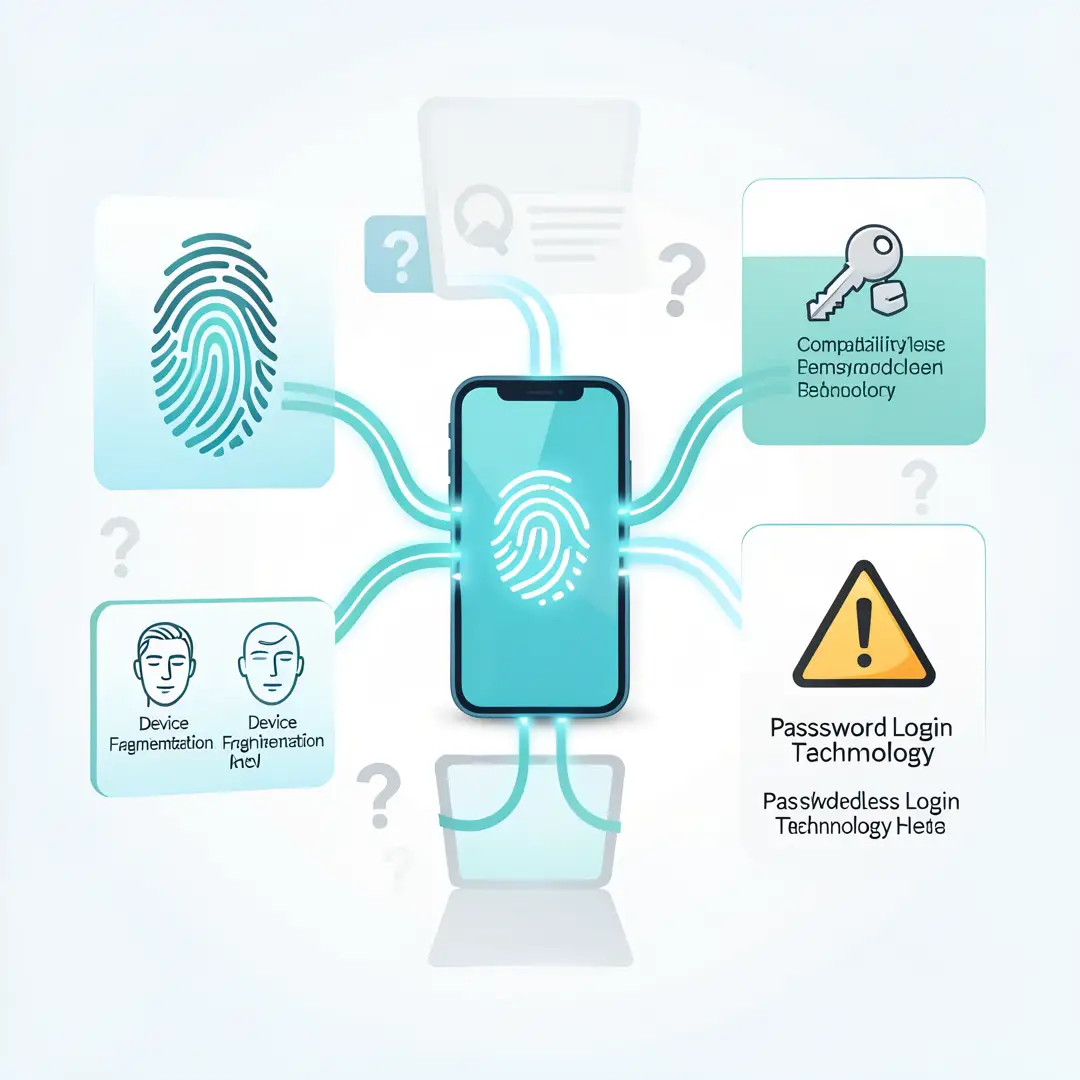
Another key concept is the difference between something you know, something you have, and something you are. Passwords rely on something you know, which can be guessed or stolen. Passwordless methods rely on something you have (a device or security key) plus something you are (a biometric) or something you know locally (a device PIN). This combination is more resistant to remote attacks because an attacker must also possess the physical device.
Deep Dive
To see how modern technology makes passwordless login possible in practice, follow the flow of a typical sign-in. You register with a service and your device creates a key pair. The public key goes to the service; the private key stays locked in your device’s secure hardware. Later, when you sign in, the service sends a random challenge. Your device asks for a biometric or PIN, then signs the challenge with the private key. The service verifies the signature and grants access. At no point does a password or a reusable secret cross the internet.
This flow explains why passwordless login resists common attacks. Phishing fails because there is no password to trick you into typing, and the signature is bound to the specific website’s origin. Credential stuffing fails because there are no reused passwords. Server breaches are less damaging because the service only stores public keys, which are useless to an attacker without the matching private keys.
There are two main flavors of passwordless login today. The first is device-bound, where the credential lives on one device, such as a hardware security key or a phone. This is highly secure but can be inconvenient if you lose the device. The second is synced passkeys, where the credential is encrypted and synchronized across your devices through a platform account, such as iCloud Keychain, Google Password Manager, or a password manager. Synced passkeys improve convenience and recovery, but they shift some trust to the platform provider.
Recovery is the hardest part of passwordless design. If you lose every device, how do you get back in? Good implementations offer multiple paths: a backup security key, a recovery code stored offline, or a trusted contact. The goal is to avoid a single point of failure without reintroducing weak fallbacks like SMS codes, which are vulnerable to SIM swapping.
Adoption is growing because the technology is now built into major operating systems and browsers. Windows Hello, Touch ID, Face ID, Android biometrics, and USB/NFC security keys all support FIDO2. This means you often do not need new hardware to start. The main barriers are legacy systems that still require passwords, organizational policies that lag behind, and user habits. The technology is ready; the transition is mostly about planning and education.

Best Practices
Adopting passwordless login works best with a deliberate approach. Use these practices to get the security benefits without creating new problems.
- Start with high-value accounts. Enable passkeys or security keys on email, banking, and work accounts first. These are the accounts attackers target for password resets and lateral movement.
- Register more than one authenticator. Add a second security key or a passkey on another device. This prevents lockout if your primary device is lost or damaged.
- Keep recovery codes offline. Print or write recovery codes and store them somewhere physically secure. Do not keep them only in the same account you are protecting.
- Use a password manager for the transition. During migration, some accounts will still use passwords. A manager helps you keep them unique and strong until you can replace them.
- Prefer standards-based solutions. Choose FIDO2 and WebAuthn compatible options so your credentials work across browsers and platforms rather than locking you into one vendor.
- Educate users. Explain that biometrics stay on the device and that the sign-in process is safe. Confusion is a bigger obstacle than the technology itself.
- Review account recovery settings. Make sure recovery methods are as strong as your primary login. A weak fallback undoes the benefits of passwordless authentication.
Consistent habits matter more than one-time setup. Check your registered devices periodically, remove old ones you no longer use, and update recovery information when you change phones or jobs.
Step-by-Step Guide
Use this sequence to move from curiosity to a working passwordless setup.
Step 1: Understand the fundamentals
Before changing anything, learn the basics of public key cryptography, FIDO2, and passkeys. Know the difference between device-bound credentials and synced passkeys, and understand that biometrics are a local unlock, not a secret sent to servers. This foundation helps you evaluate options and ask the right questions of vendors and IT teams.
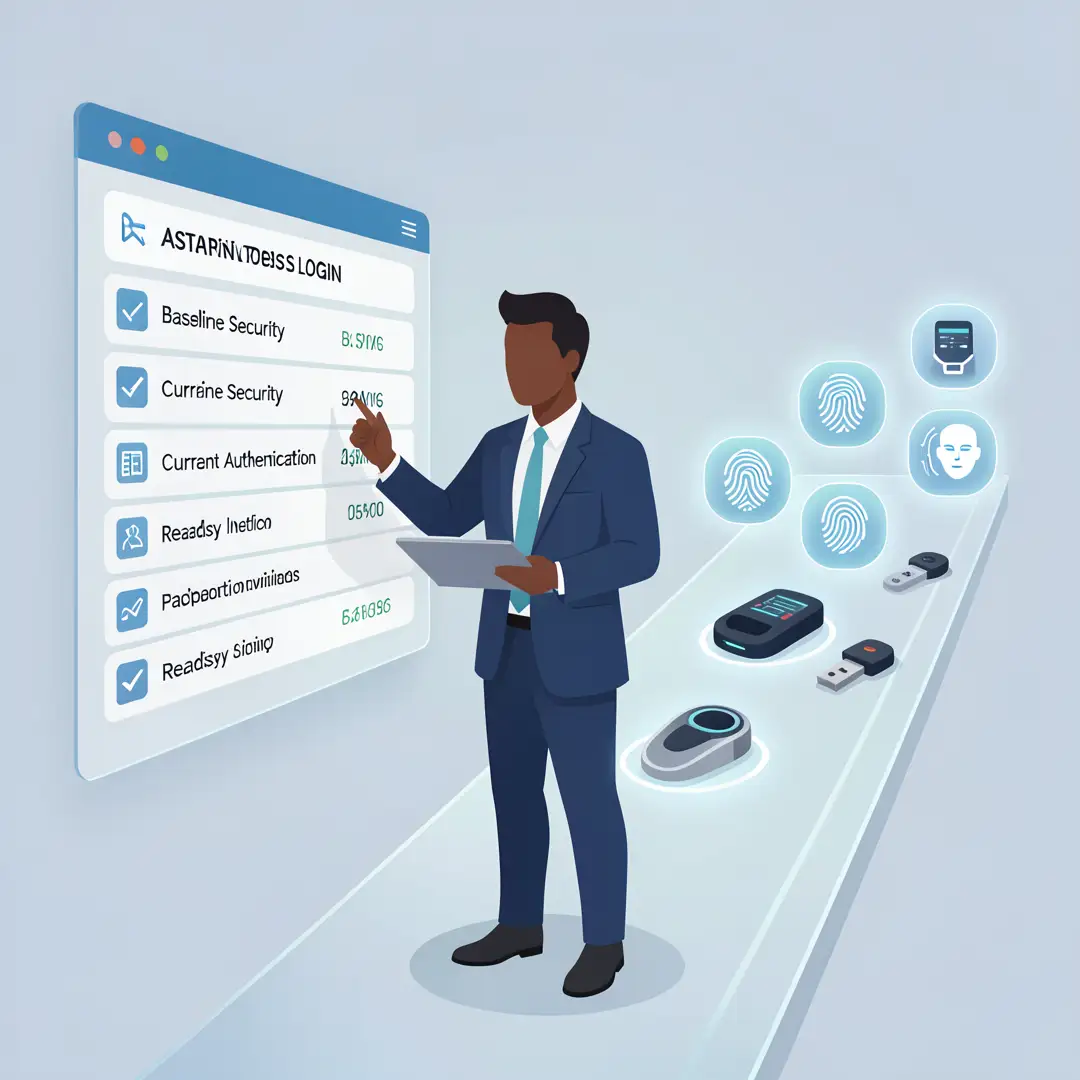
Step 2: Assess your starting point
List your most important accounts and note which ones already support passkeys or security keys. Check what devices you own, including phones, laptops, and any hardware keys. Identify where passwords are reused and where recovery methods are weak. This inventory shows you where passwordless login will have the biggest impact and what gaps you need to close.
Step 3: Set clear goals
Decide what success looks like. For an individual, it might be eliminating passwords on email and banking within a month. For a team, it might be enabling phishing-resistant authentication for all administrative accounts this quarter. Clear goals keep the project focused and make progress measurable.
Step 4: Gather necessary resources
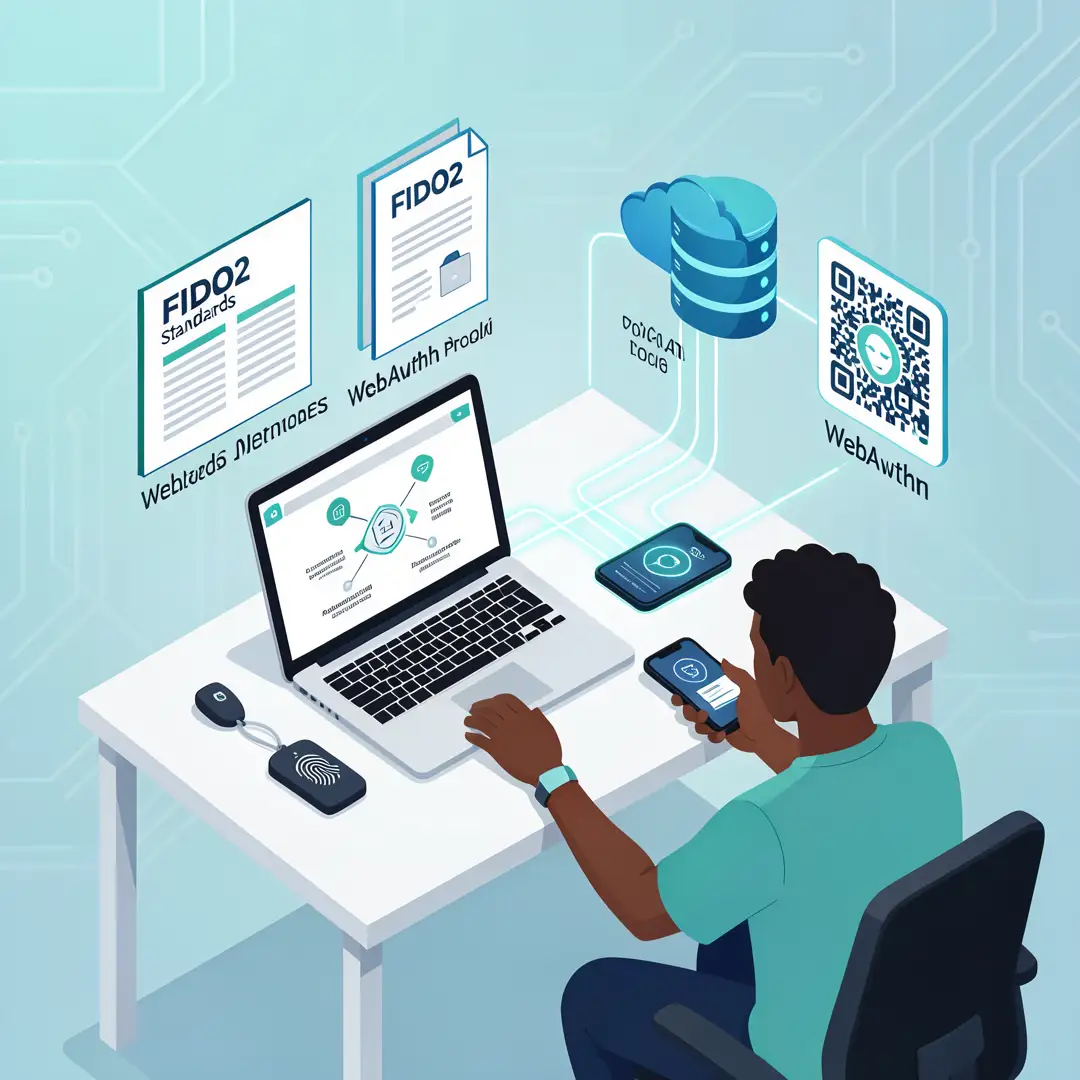
You may need one or more security keys, a compatible phone or computer, and access to account settings. For organizations, involve IT, security, and support teams, and review identity provider documentation. Budget for backup authenticators so no single device becomes a single point of failure.
Step 5: Apply the core methods
Register your first passkey or security key on a high-value account. Add a second authenticator for backup. Store recovery codes offline. Repeat the process account by account, starting with the most sensitive. Test the sign-in flow on each device to confirm it works before relying on it.
Step 6: Monitor your progress
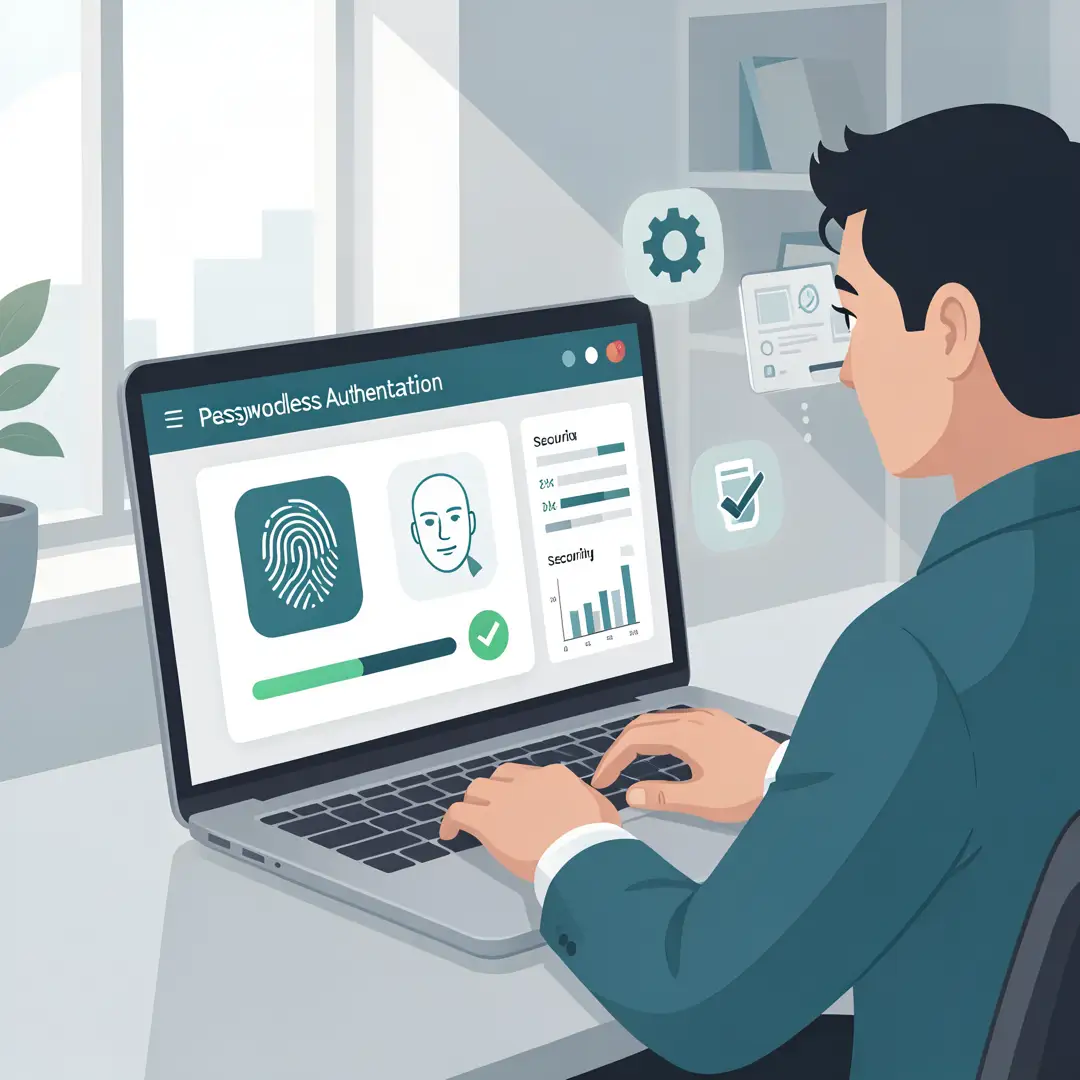
Track which accounts are passwordless and which still use passwords. Review registered devices monthly and remove any you no longer use. Watch for phishing attempts that target recovery methods, and update your setup when you get new hardware. Ongoing attention keeps the security benefits intact.
FAQ
What should I know about How Modern Technology Makes Passwordless Login Possible?
The most important thing to know is that passwordless login replaces shared secrets with cryptographic key pairs stored on your devices. This makes phishing and credential reuse far less effective. You should also understand that recovery planning is essential, that biometrics never leave your device, and that standards like FIDO2 and WebAuthn allow different products to work together. With this knowledge, you can adopt passwordless login confidently and avoid common pitfalls.
Who is this guide for?
This guide is for anyone who wants a clear, practical understanding of passwordless login. That includes individuals securing personal accounts, IT administrators evaluating authentication options, and small business owners who need to protect sensitive systems without a large security team. No advanced technical background is required, though familiarity with basic account settings will help you follow the steps.
Conclusion
Modern technology makes passwordless login possible by combining public key cryptography, secure hardware, biometrics, and open standards. Together, these elements remove the weakest link in most security setups: the reusable password. The benefits are real, from stronger phishing resistance to simpler sign-ins, but they depend on thoughtful adoption. Start with your most valuable accounts, register backup authenticators, protect your recovery paths, and monitor your setup over time. Reliable information and consistent habits lead to better long-term outcomes, and passwordless login is a practical step you can take today.
Frequently Asked Questions
What should I know about How Modern Technology Makes Passwordless Login Possible?
This guide covers the essentials of How Modern Technology Makes Passwordless Login Possible with practical steps you can apply right away.
Who is this guide for?
Anyone looking for a clear, structured overview without unnecessary complexity.
You now have a solid foundation for How Modern Technology Makes Passwordless Login Possible. Apply the best practices above and revisit this guide as your needs evolve.