Imagine a cloud that configures, heals, and scales itself—without waiting for a human to click a button. That’s the promise of autonomous cloud computing, a fast-growing approach where AI and automation handle the day-to-day work of managing cloud infrastructure. Instead of engineers chasing alerts and tuning resources manually, the system learns, predicts, and acts on its own.
In this article, we’ll break down what autonomous cloud computing actually means, how its core components work together, and what it takes to adopt it. Whether you’re an IT leader or a curious developer, you’ll walk away with clear, practical insight into where the cloud is heading next.
Introduction
Cloud computing has evolved through several distinct phases. First came basic infrastructure rental, where organizations moved physical servers into virtual machines. Then came managed services, where providers handled patching, scaling, and backups. Now the industry is entering a third phase: autonomous cloud computing, where the cloud infrastructure itself makes decisions, corrects problems, and optimizes resources with minimal human intervention.
This article explores What Is Autonomous Cloud Computing and How Does It Work with clear, practical guidance. Whether you are an IT manager evaluating new platforms, a developer curious about where infrastructure is heading, or a business leader trying to understand the next wave of cloud technology, this guide will give you a solid foundation. Understanding the fundamentals of What Is Autonomous Cloud Computing and How Does It Work helps you make informed decisions about tools, budgets, and team skills. Reliable information and consistent habits lead to better long-term outcomes, and that principle applies directly to how you adopt and manage autonomous systems.
Key Concepts
Autonomous cloud computing refers to cloud environments that use artificial intelligence, machine learning, and policy-driven automation to manage themselves. Instead of a human engineer manually provisioning servers, adjusting load balancers, or responding to alerts at 2 a.m., the system observes its own state, predicts what will happen next, and takes action on its own.
To understand how this works, you need to grasp a few core ideas:
- Autonomous operations (AIOps): The use of AI to automate IT operations, including event correlation, anomaly detection, and root-cause analysis.
- Self-healing: The system detects a failure, isolates it, and restores service automatically, often before users notice any disruption.
- Self-optimizing: The environment continuously tunes resource allocation, cost, and performance based on real-time demand and historical patterns.
- Self-securing: Security policies are enforced automatically, and the system can adapt to new threats by adjusting configurations or isolating compromised components.
- Declarative intent: Instead of giving step-by-step instructions, you describe the desired outcome, and the autonomous system figures out how to achieve and maintain it.
- Closed-loop automation: Observe, analyze, decide, and act form a continuous cycle that requires no human trigger.
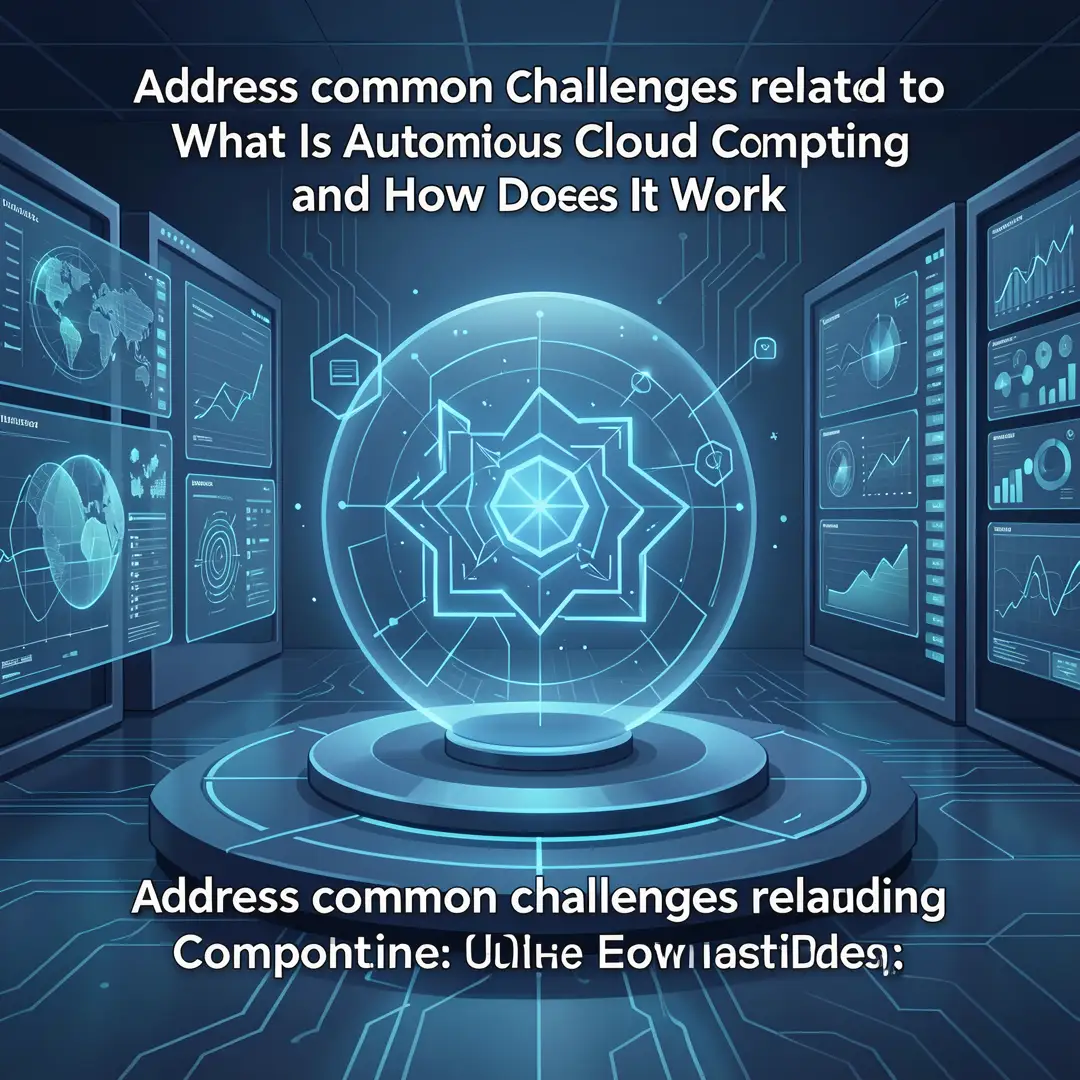
These concepts build on earlier technologies like infrastructure as code, container orchestration, and continuous integration. What makes autonomous cloud computing different is the decision-making layer. The system does not just execute predefined scripts; it chooses which scripts or actions to take based on what it learns.
Deep Dive
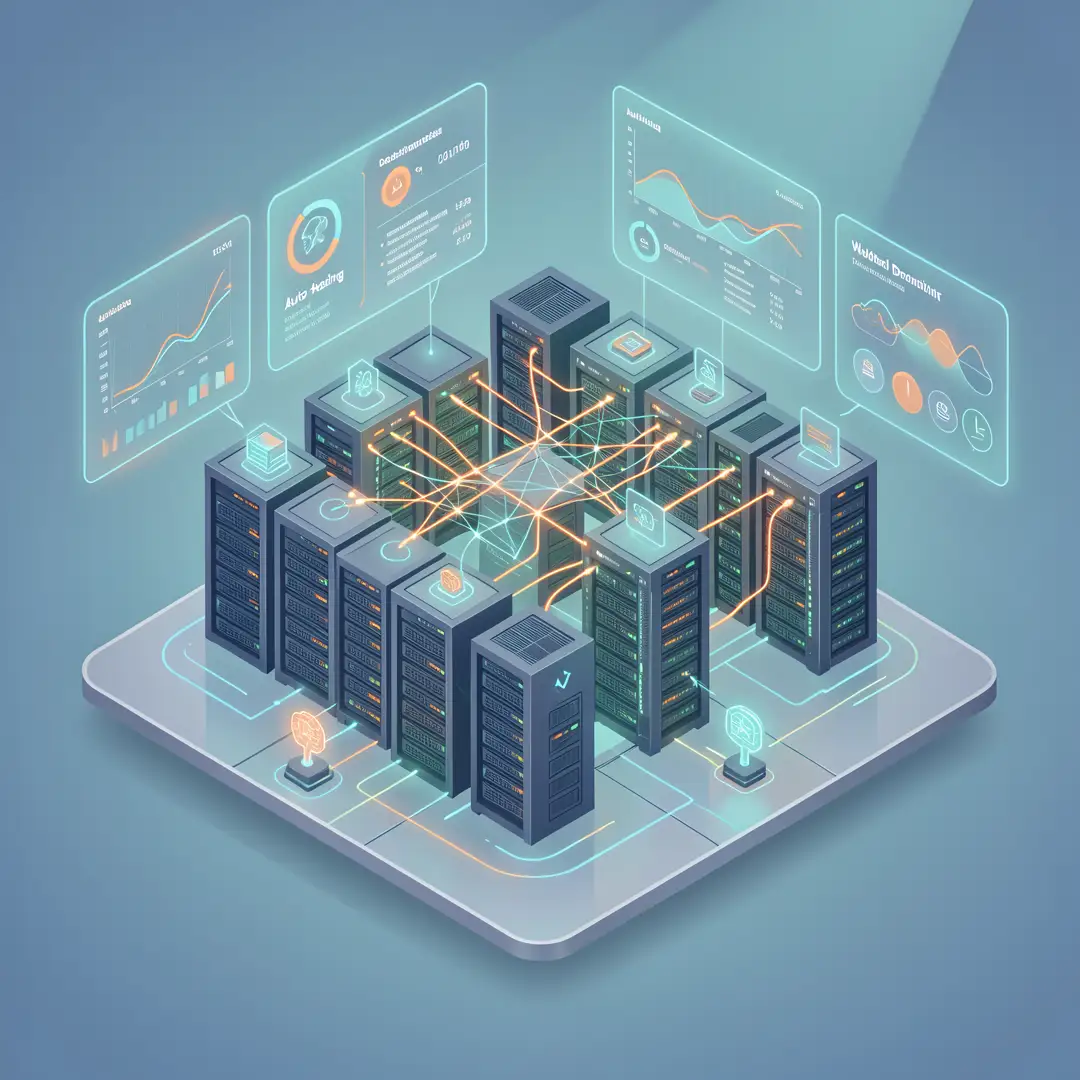
To see how autonomous cloud computing works in practice, it helps to break it down into layers.

The observation layer
Everything starts with data. Autonomous systems collect metrics, logs, traces, and events from every part of the cloud environment. This includes CPU and memory usage, network latency, application error rates, and security logs. The observation layer must be comprehensive, because a decision made with incomplete data can be worse than no decision at all.
The analysis layer
Raw data is noisy. The analysis layer applies machine learning models to find patterns, detect anomalies, and predict future states. For example, it might notice that a database query slows down every day at 2 p.m. and correlate that with a batch job. Or it might predict that a traffic spike is coming based on historical trends and external signals like marketing campaigns.
The decision layer
This is where policies and goals come in. The decision layer compares the current and predicted state against your objectives, such as keeping response time under 200 milliseconds or staying within a monthly budget. It then selects the best action from a set of options, which might include scaling up, shifting traffic, restarting a service, or adjusting a firewall rule.
The action layer
Finally, the system executes the decision. This could involve calling cloud provider APIs, updating Kubernetes configurations, or triggering a serverless function. The action layer must be reliable and auditable, so you can see what the system did and why.
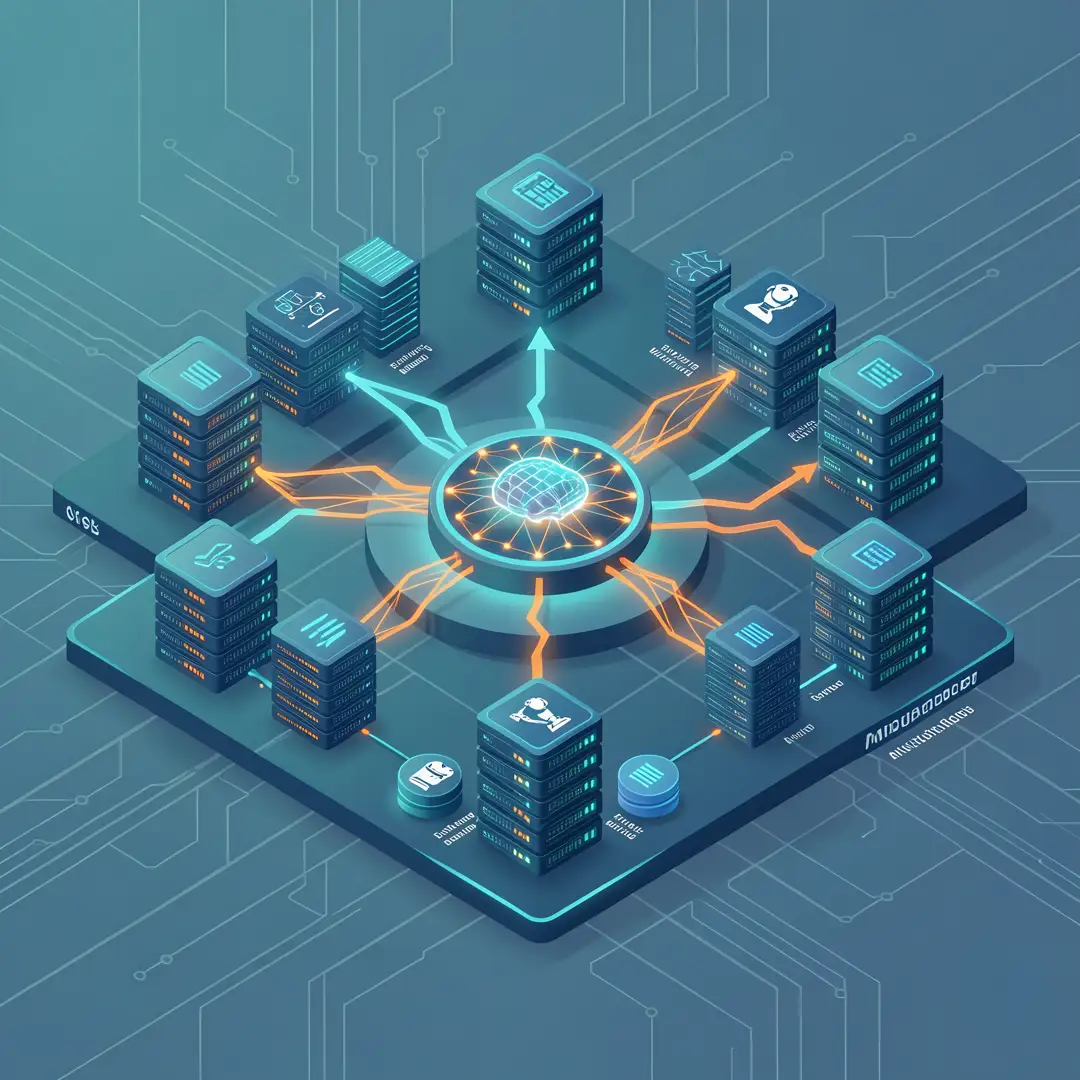
All four layers run in a continuous loop. The system learns from the results of its actions, which improves future decisions. This is why autonomous cloud computing is sometimes described as a self-driving data center.
Real-world examples already exist. Cloud providers offer autonomous databases that automatically patch, back up, and scale. Kubernetes operators can self-heal pods and nodes. FinOps platforms can automatically shut down idle resources or move workloads to cheaper regions. The trend is toward more integration, where a single autonomous control plane manages compute, storage, network, and security together.
Best Practices
Adopting autonomous cloud computing is not a switch you flip. It is a gradual process that benefits from careful planning.
- Start with observability. You cannot automate what you cannot see. Invest in comprehensive monitoring and logging before you introduce autonomous decisions.
- Define clear policies. Autonomous systems need guardrails. Specify what they are allowed to change, under what conditions, and what requires human approval.
- Use a phased approach. Begin with low-risk automations, such as stopping idle development instances. Then move to higher-impact areas like production scaling and incident response.
- Keep humans in the loop for critical decisions. Even the most advanced systems can encounter novel situations. A human-on-the-loop model, where people review and can override decisions, is safer than full autonomy at first.
- Test with chaos engineering. Deliberately inject failures to see how the autonomous system responds. This builds confidence and reveals gaps.
- Monitor costs. Autonomous optimization can save money, but it can also spend more if policies are misconfigured. Set budget alerts and review spending regularly.
- Document everything. Maintain a clear record of policies, decisions, and outcomes. This helps with compliance, troubleshooting, and continuous improvement.
These practices align with the idea that reliable information and consistent habits lead to better long-term outcomes. The more disciplined your approach, the more value you get from autonomy.
Step-by-Step Guide to Getting Started
If you want to move toward autonomous cloud computing, follow these steps. They are designed to be practical and achievable, even for teams with limited experience.
Step 1: Understand the fundamentals
Before you invest in tools or change processes, make sure you and your team understand the core concepts. Read documentation, take online courses, and talk to peers who have implemented similar systems. The goal is to be able to explain autonomous cloud computing in plain language: what it is, what it is not, and where it fits in your overall cloud strategy. Understanding the fundamentals helps you make informed decisions and avoid hype-driven mistakes.
Step 2: Assess your starting point
Take stock of your current cloud environment. What monitoring tools do you already have? How much of your infrastructure is managed by code? What is your team’s skill level with automation and AI? Identify gaps and strengths. For example, if you have good metrics but no policy engine, that is a clear next step. If you are still doing manual provisioning, you may need to improve your infrastructure-as-code practices first. A honest assessment prevents you from overreaching.
Step 3: Set clear goals
Decide what you want autonomous cloud computing to achieve. Common goals include reducing downtime, lowering costs, improving security response time, or freeing engineers from repetitive tasks. Make your goals specific and measurable. Instead of “improve efficiency,” aim for “reduce manual scaling events by 80% in six months” or “cut mean time to recovery from 30 minutes to 5 minutes.” Clear goals guide your tool selection and help you measure success.

Step 4: Gather necessary resources
Autonomous systems require certain resources. These include a reliable observability platform, a policy engine or orchestration tool, and people with the right skills. You may also need budget for new software or training. Identify what you have and what you need to acquire. For many organizations, the biggest resource is time: someone needs to design, test, and maintain the autonomous workflows. Assign ownership early so the project does not stall.
Step 5: Apply the core methods
Now put the concepts into practice. Start with a pilot project in a non-critical environment. For example, set up automatic scaling for a test application based on CPU usage. Or configure a self-healing rule that restarts a failed service. Use declarative intent where possible: describe the desired state and let the system maintain it. Document each method as you go, and involve your team so knowledge is shared. The pilot will reveal what works and what needs adjustment.
Step 6: Monitor your progress
After launching your pilot, track key metrics. How often does the autonomous system take action? Are the actions correct? What is the impact on performance, cost, and reliability? Collect feedback from engineers and stakeholders. Use this data to refine policies and expand to more areas. Monitoring is not a one-time task; it is an ongoing habit. Consistent review leads to steady improvement and builds trust in the system.
FAQ
What should I know about What Is Autonomous Cloud Computing and How Does It Work?
The most important thing to know is that autonomous cloud computing is not about removing humans entirely. It is about shifting human effort from repetitive manual tasks to higher-level design, policy, and oversight. You should understand that it relies on AI and automation working together in a closed loop. It requires good data, clear policies, and a willingness to start small. It is not a magic solution; it is a progression that builds on existing cloud and DevOps practices. Understanding the fundamentals helps you make informed decisions about whether and when to adopt it.
Who is this guide for?
This guide is for anyone who wants a clear, practical introduction to autonomous cloud computing. That includes IT managers, cloud architects, DevOps engineers, software developers, and business leaders who are responsible for cloud strategy or operations. It is also useful for students and career changers who want to understand where the industry is heading. No advanced technical background is required, though familiarity with basic cloud concepts will help you get the most out of it.
Conclusion
Autonomous cloud computing represents a significant shift in how we manage digital infrastructure. By combining AI, machine learning, and policy-driven automation, it enables cloud environments to.
You now have a solid foundation for What Is Autonomous Cloud Computing and How Does It Work. Apply the best practices above and revisit this guide as your needs evolve.