Artificial intelligence is transforming how we create and experience digital visuals. From sharper textures to faster frame rates, AI is improving computer graphics and 3D rendering in ways that were unimaginable just a few years ago. Whether you’re a designer, gamer, or content creator, these advancements mean better results with less manual effort.
In this article, we’ll explore the key ways AI is reshaping rendering pipelines, from real-time denoising to neural upscaling and automated scene optimization. You’ll learn practical benefits you can apply to your own projects today.
Introduction
Computer graphics and 3D rendering have come a long way since the first wireframe models flickered on cathode-ray tubes. Today, the images you see in films, video games, architectural walkthroughs, and product visualizations are often indistinguishable from photographs. The engine behind much of this recent leap is artificial intelligence. AI is not just a tool that speeds up rendering; it fundamentally changes how pixels are generated, how light is simulated, and how artists interact with complex scenes.
This article explores how AI is improving computer graphics and 3D rendering with clear, practical guidance. Whether you are a hobbyist using Blender, a professional in a VFX studio, or a developer building real-time applications, understanding the fundamentals helps you make informed decisions. The core message is simple: reliable information and consistent habits lead to better long-term outcomes. By the end, you will know the key concepts, the practical steps to adopt AI in your workflow, and the best practices that separate successful projects from frustrating ones.
Key Concepts
Before diving into specific techniques, it helps to understand the vocabulary and core ideas that power AI-enhanced graphics. These concepts appear repeatedly across different tools and platforms.
- Neural Rendering: Using neural networks to generate or refine images from 3D scene data. Instead of calculating every ray of light mathematically, a network predicts the final pixel colors based on learned patterns.
- Denoising: AI models remove the grainy noise that appears when you render with few samples per pixel. This lets you achieve clean results in seconds rather than hours.
- Super Resolution: Also called upscaling, this technique uses AI to increase the resolution of a rendered frame without losing detail. It is common in real-time gaming and video production.
- Neural Radiance Fields (NeRF): A method that reconstructs a 3D scene from a set of 2D photos. The AI learns the volumetric density and color of the scene, allowing you to fly through it from any angle.
- Gaussian Splatting: A newer alternative to NeRF that represents scenes as millions of 3D Gaussian blobs. It renders extremely fast and is becoming popular for real-time capture.
- AI-Assisted Modeling: Tools that generate 3D meshes from text prompts, sketches, or single images. They do not replace artists but accelerate early prototyping.
- Material and Texture Synthesis: AI can create realistic textures (wood, fabric, rust) from small samples, reducing the need for expensive scanning or manual painting.
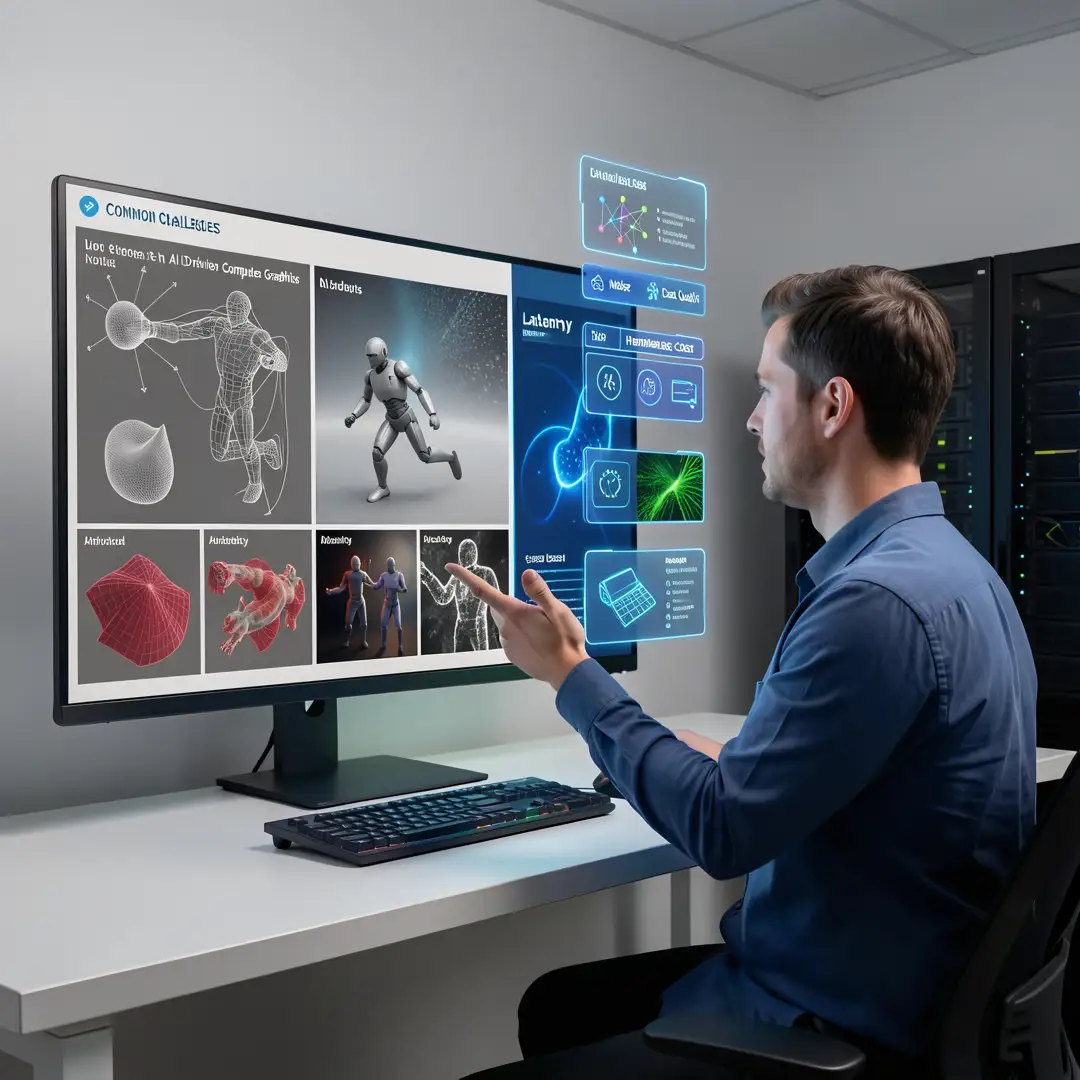
Each of these concepts relies on training data. The quality and diversity of that data determine how well the AI performs. For example, a denoiser trained only on indoor scenes may struggle with outdoor landscapes. Understanding this limitation is part of making informed decisions.
Deep Dive
To see how AI improves graphics in practice, consider three major areas: rendering speed, realism, and creative workflow.
Rendering Speed and Efficiency
Traditional path tracing is computationally expensive. Each pixel requires hundreds or thousands of light ray calculations. AI denoisers change the equation. You render at low sample counts, then let a neural network clean up the image. NVIDIA’s OptiX, Intel’s Open Image Denoise, and Blender’s Cycles denoiser all use this approach. The result is a 5x to 20x speedup in some scenes, with minimal quality loss. For animation, that means rendering a frame in minutes instead of hours.
AI also accelerates rendering through frame interpolation. Tools like DAIN and RIFE generate intermediate frames between keyframes, effectively doubling or quadrupling the frame rate without re-rendering the entire sequence. This is a game-changer for stylized animation and virtual production.
Realism and Light Simulation
Realistic graphics depend on accurate light transport—how light bounces, scatters, and is absorbed. AI can learn these complex interactions from data. For example, a neural network can be trained to approximate global illumination for a specific type of scene (e.g., a room with a window). Once trained, it predicts lighting in milliseconds, enabling real-time realistic rendering on consumer hardware.
NeRF and Gaussian Splatting take a different route. They reconstruct scenes from photos, capturing subtle reflections, shadows, and translucency that traditional photogrammetry misses. Architects now use NeRF to create walkthroughs of unbuilt spaces from a handful of reference images. Game developers use Gaussian Splatting to capture real-world locations and import them into engines with minimal cleanup.
Creative Workflow and Productivity
AI is not just about faster rendering; it is about removing repetitive tasks. Texture synthesis, UV unwrapping, rigging, and even animation in-betweening are being automated. For instance, Adobe Substance 3D Sampler uses AI to generate PBR materials from a single photo. Autodesk Maya has AI-assisted rigging that predicts joint placement. These tools free artists to focus on composition, storytelling, and iteration.
However, AI is not a magic wand. It requires good input data and human oversight. A poorly lit reference photo will produce a poor NeRF. A low-resolution texture sample will yield a blurry AI-generated material. The best results come from combining AI speed with human judgment.
Best Practices
Adopting AI in computer graphics is not just about installing a plugin. It requires consistent habits and a clear strategy. The following best practices apply whether you are a solo creator or part of a large team.
- Start with a solid traditional foundation. Learn lighting, composition, and modeling basics. AI amplifies your skills; it does not replace them. If you do not understand why a render looks off, an AI denoiser will not fix it.
- Use AI for iteration, not final output. Generate multiple low-quality previews with AI, pick the best, then refine manually. This saves time and keeps you in control.
- Validate your data. Before training a custom AI model, ensure your dataset is diverse, high-resolution, and representative of your target scenes. Garbage in, garbage out.
- Keep humans in the loop. Always review AI-generated textures, meshes, or denoised frames. Fix artifacts early rather than letting them propagate.
- Choose the right tool for the job. NeRF is great for static scenes from photos. Gaussian Splatting is better for real-time. Denoisers are for ray tracing. Do not force one technique everywhere.
- Stay updated, but avoid hype. AI graphics is a fast-moving field. Follow reputable sources (SIGGRAPH papers, official tool documentation) and test new methods on small projects first.
- Document your workflow. Record settings, model versions, and random seeds. AI results can be nondeterministic; documentation helps you reproduce success.
Reliable information and consistent habits lead to better long-term outcomes. A disciplined approach beats chasing every new AI demo.
Step-by-Step Guide to Adopting AI in Your Graphics Workflow
This section provides a practical sequence you can follow, whether you are upgrading a personal project or a studio pipeline.
Step 1: Understand the fundamentals
Before you download any AI model, spend time learning the basics of rendering, light transport, and 3D math. Know what a sample is, what a shader does, and how a camera projection works. This knowledge helps you diagnose problems when AI outputs look wrong. Read introductory articles on path tracing, PBR (physically based rendering), and neural networks. You do not need a PhD, but you need enough vocabulary to ask the right questions.
Step 2: Assess your starting point
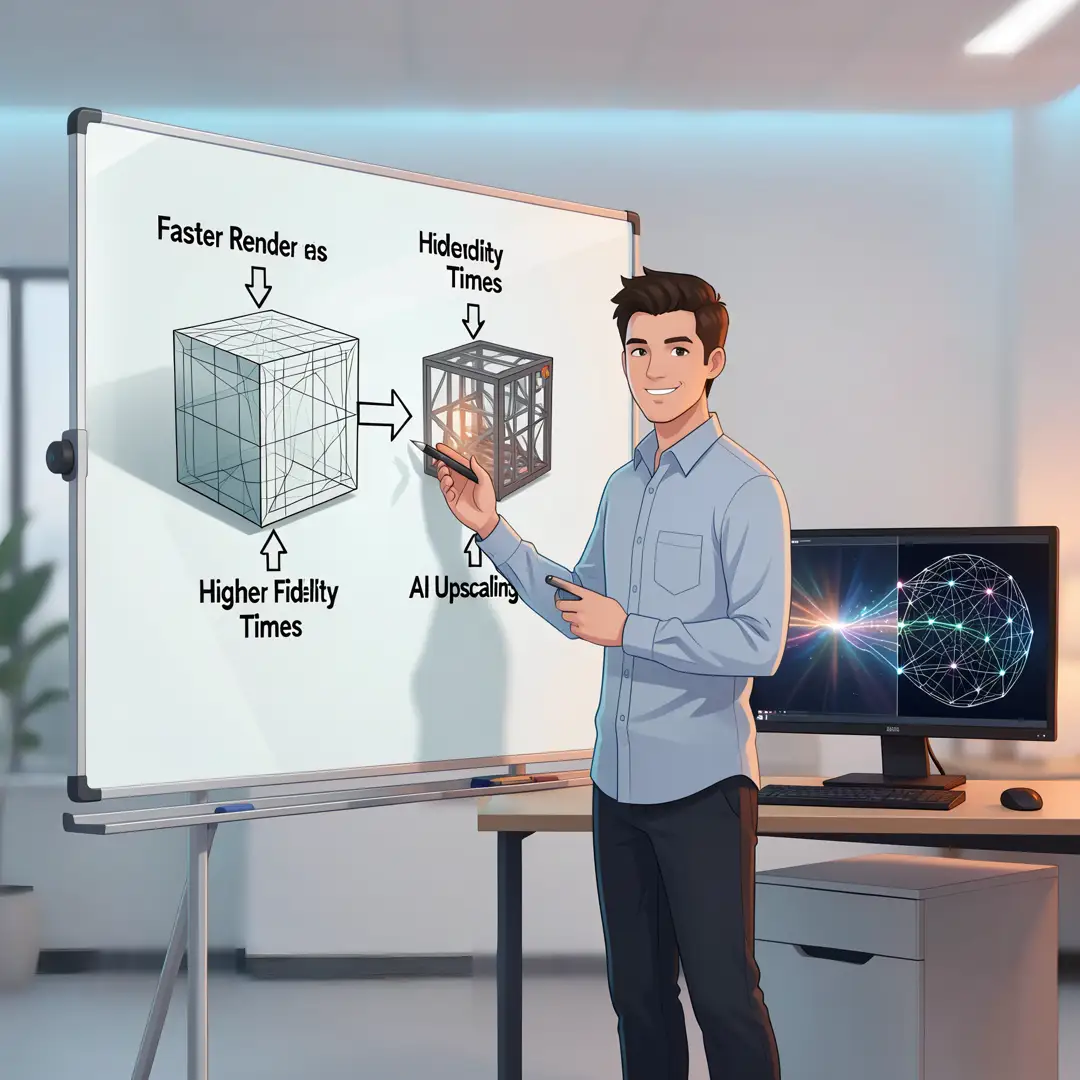
Audit your current workflow. What takes the most time? Is it rendering? Texturing? Modeling? Write down your top three bottlenecks. Also check your hardware: AI denoising and NeRF training often require a modern GPU with at least 8GB of VRAM. If you are on a laptop, consider cloud-based AI services. Understanding your starting point prevents you from adopting a tool that does not solve your actual problem.
Step 3: Set clear goals
Define what success looks like. For example: “Reduce render time by 50% without visible quality loss” or “Create a 3D walkthrough from 20 photos in under an hour.” Goals should be specific and measurable. Avoid vague aims like “use more AI.” Clear goals guide your tool selection and help you evaluate results objectively.
Step 4: Gather necessary resources
Collect the tools, data, and learning materials you need. For denoising, you might install Blender’s built-in denoiser or the OptiX plugin. For NeRF, you need a set of overlapping photos and a tool like Nerfstudio or Luma AI. For texture synthesis, try Adobe Substance 3D or Materialize. Also gather tutorials, sample projects, and a test scene. Having a dedicated test scene—simple but representative—lets you compare AI tools fairly.
Step 5: Apply the core methods
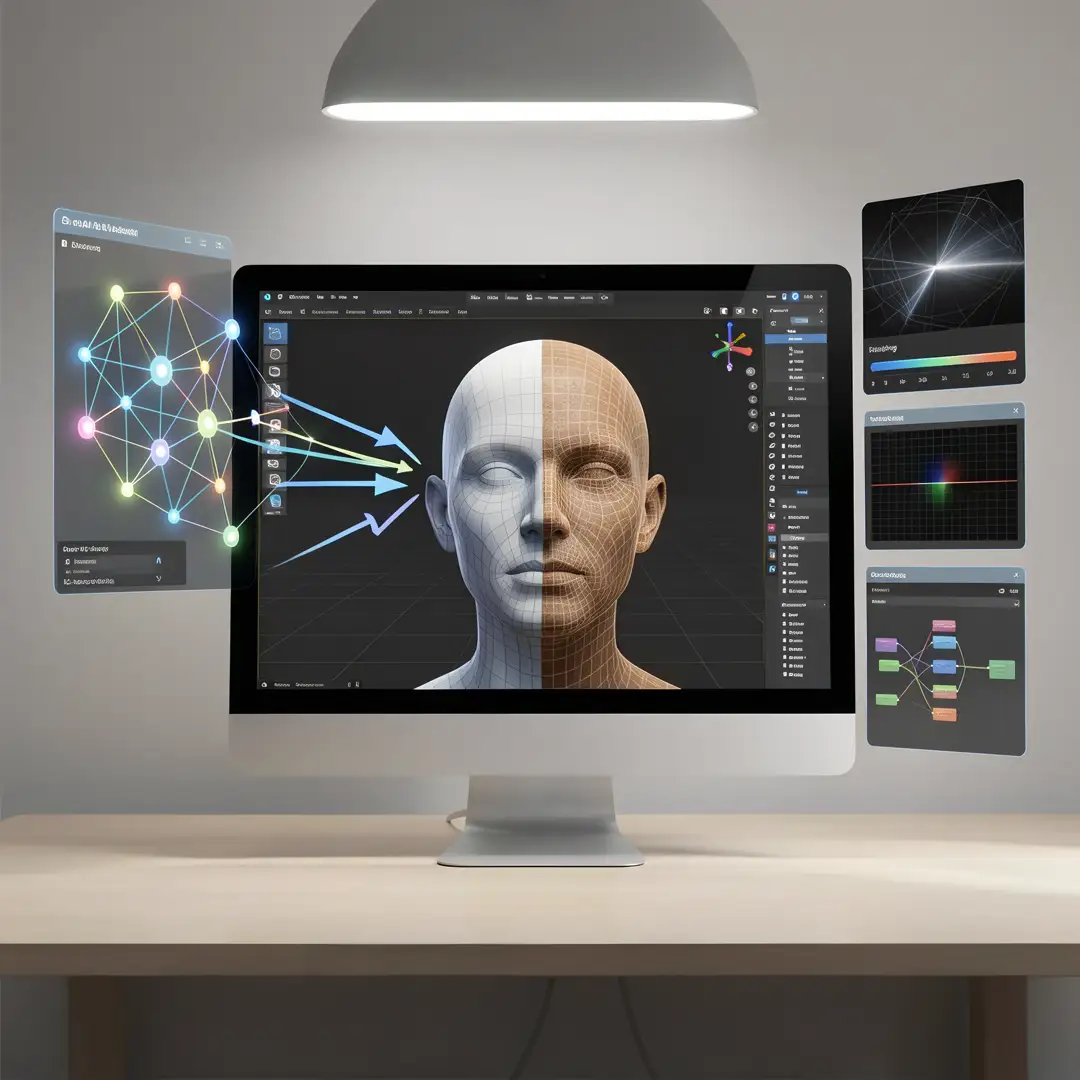
Start small. Apply one AI technique to one part of your pipeline. For instance, render a single frame with and without AI denoising. Compare time and quality. Then try AI upscaling on a low-resolution render. Then experiment with AI-generated textures. Keep a log of what works and what does not. Do not overhaul your entire workflow at once. Incremental application builds confidence and reveals hidden issues.
Step 6: Monitor your progress
After a week or two, review your logs. Did render times drop? Did quality suffer? Did you spend more time fixing AI artifacts than you saved? Use objective metrics: render time per frame, peak signal-to-noise ratio (PSNR), and your own visual inspection. Adjust your approach. If a tool is not helping, drop it. If it is helping, expand its use. Consistent monitoring turns a one-off experiment into a reliable habit.
FAQ
What should I know about How AI Is Improving Computer Graphics and 3D Rendering?
You should know that AI is not a single technology but a collection of methods: denoising, upscaling, neural rendering, NeRF, Gaussian Splatting, and generative modeling. Each has strengths and limitations. AI excels at speeding up repetitive tasks and approximating complex light transport, but it requires quality input data and human oversight. It does not replace fundamental skills in lighting, composition, or modeling. The most successful users combine AI speed with traditional craft.
Who is this guide for?
This guide is for anyone who creates or works with 3D graphics: hobbyists, students, indie game developers, VFX artists, architects, product designers, and technical directors. It assumes no prior experience with AI but does assume basic familiarity with 3D concepts like meshes, textures, and rendering. If you are looking for practical, actionable steps to integrate AI into your workflow without hype, this is for you.
Do I need a powerful GPU to use AI in graphics?
You now have a solid foundation for How AI Is Improving Computer Graphics and 3D Rendering. Apply the best practices above and revisit this guide as your needs evolve.