Spatial computing is changing how we interact with digital information by blending virtual content with the physical world around us. Instead of staring at a flat screen, you can manipulate 3D objects, overlay data onto real environments, and control devices with gestures, voice, and eye movement. It’s the technology behind augmented reality (AR), virtual reality (VR), and mixed reality (MR)—and it’s already part of everyday tools.
In this article, we’ll explain what spatial computing is, how it differs from traditional computing, and where it’s used today—from healthcare and manufacturing to retail and remote collaboration. You’ll also learn practical ways to explore spatial computing yourself, even with a smartphone.
Introduction
Spatial computing is one of those phrases that has moved from research labs and science fiction into everyday product announcements, yet many people still struggle to define it. At its core, spatial computing is the practice of blending digital content with the physical world in a way that understands and responds to three-dimensional space. Instead of interacting with a flat screen through a mouse and keyboard, you interact with digital objects that appear to occupy real places around you. This article explores What Is Spatial Computing and How Is Used Today with clear, practical guidance. Whether you are a curious consumer, a business decision-maker, or a developer evaluating a new platform, understanding what spatial computing actually does—and does not do—will help you separate useful applications from marketing hype.
The term gained mainstream attention when Apple described its Vision Pro headset as a spatial computer, but the underlying ideas have been developing for decades through virtual reality (VR), augmented reality (AR), and mixed reality (MR). What makes spatial computing distinct is the emphasis on spatial awareness: the system maps your environment, tracks your position within it, and anchors digital content to real-world locations. That capability opens up uses ranging from industrial design reviews to surgical planning to collaborative workspaces where remote colleagues appear as life-sized avatars around a shared table.
Understanding the fundamentals of What Is Spatial Computing and How Is It Used Today helps you make informed decisions. Reliable information and consistent habits lead to better long-term outcomes, whether you are choosing a headset for your team or simply trying to follow the news without getting lost in jargon.
Key Concepts
To grasp spatial computing, you need a handful of core ideas. These concepts recur across every platform, from Meta Quest to Apple Vision Pro to Microsoft HoloLens.
- Spatial mapping and meshing: Sensors on a headset or phone scan the room and build a 3D mesh of walls, floors, furniture, and people. This mesh lets software place digital objects on a real table or behind a real couch.
- Six degrees of freedom (6DoF): Tracking your head or hands in three positional axes and three rotational axes. This is what allows you to walk around a virtual object and view it from any angle.
- Hand and eye tracking: Modern spatial computers often replace controllers with natural input. You look at a target and pinch your fingers to select it, or you gesture to move a window.
- Passthrough and mixed reality: Cameras feed the real world into your view while digital content is composited on top. This differs from fully immersive VR, where the physical world is blocked out.
- Anchors and persistence: A spatial anchor ties a digital object to a specific real-world point. When you leave and return, the object is still there, which is essential for work instructions or persistent notes.
- Presence and embodiment: In collaborative spatial computing, your avatar represents you in 3D space. Good presence makes remote meetings feel more natural than a grid of flat video tiles.
These concepts matter because they determine what a device can actually do. A headset with strong spatial mapping but poor hand tracking will frustrate you in a design review. A phone-based AR app with no persistent anchors will lose your digital notes the moment you close it. When you evaluate any spatial computing tool, map its features back to these fundamentals.

Deep Dive
Spatial computing is best understood as a spectrum rather than a single product category. At one end are lightweight AR experiences on smartphones, such as measuring a room with your camera or previewing furniture in your living room. In the middle are mixed-reality headsets that blend virtual monitors with your physical desk. At the far end are fully immersive VR environments used for flight simulation or virtual prototyping, where the physical world is intentionally replaced.
The technology stack behind this spectrum has four layers. First, sensing: cameras, depth sensors, LiDAR, and inertial measurement units collect data about the environment and your movement. Second, perception: software fuses that raw data into a coherent model of the space, recognizing planes, objects, and gestures. Third, rendering: the system draws digital content at high frame rates and low latency so it appears stable and correctly positioned. Fourth, interaction: input methods—voice, gaze, gesture, controllers—let you manipulate the content. A weakness in any layer undermines the whole experience.
Real-world applications already demonstrate the value. In manufacturing, technicians use spatial computing to overlay step-by-step repair instructions onto the machine they are fixing, keeping both hands free. In healthcare, surgeons preview patient-specific anatomy in 3D before an operation, and medical students practice procedures in safe virtual environments. In architecture and construction, teams walk through unbuilt spaces at full scale and catch design conflicts before ground is broken. In retail, shoppers visualize products in their own homes, reducing returns. In education, students explore molecular structures or historical sites that would be impossible to visit in person.
For knowledge workers, the most immediate use is spatial productivity: virtual monitors arranged around you, a whiteboard you can pin to a wall, and video calls where remote participants appear as avatars seated around a shared table. This is still an emerging area, and comfort, battery life, and price remain barriers. But the direction is clear. Spatial computing is not just a new way to play games; it is a new interface for computing itself, one that uses the human body’s natural spatial intelligence instead of forcing everything through a two-dimensional rectangle.

Best Practices
If you are considering spatial computing for personal use or for an organization, these practices will save you time and money.
- Start with the problem, not the device. Define the task you want to improve—training, collaboration, visualization, remote assistance—and then ask whether spatial computing is genuinely better than a laptop or tablet. Often it is; sometimes it is not.
- Pilot with a small group. Roll out a handful of headsets to motivated users for a fixed period. Collect feedback on comfort, battery, hygiene, and software reliability before scaling.
- Prioritize comfort and safety. Sessions should start short, around 15 to 30 minutes, and include breaks. Clear the play area of tripping hazards, and be mindful of motion sickness, which affects some users more than others.
- Invest in content, not just hardware. A headset without useful software is an expensive paperweight. Budget for applications, custom development, or training content.
- Address privacy and data early. Spatial devices collect detailed information about physical spaces and user behavior. Establish clear policies on what is recorded, where it is stored, and who can access it.
- Standardize where possible. Mixing platforms fragments your content. Choose one or two ecosystems and build expertise around them.
- Keep expectations realistic. Spatial computing is maturing quickly, but it is not a replacement for every screen. Treat it as an additional tool in your kit.
Step-by-Step Guide
The following steps will help you move from curiosity to practical use, whether you are an individual or leading a team evaluation.

Step 1: Understand the fundamentals
Before you buy anything, learn the vocabulary and the trade-offs. Read reputable reviews, watch hands-on demonstrations, and distinguish between VR, AR, and MR. Know what 6DoF, passthrough, and spatial anchors mean, because these terms determine whether a device fits your use case. Understanding the fundamentals of What Is Spatial Computing and How It Is Used Today helps you make informed decisions rather than reacting to marketing claims.
Step 2: Assess your starting point
Take stock of what you already have. Do you own a recent smartphone with LiDAR or ARKit/ARCore support? If so, you can try spatial computing today with free apps for measurement, furniture placement, or navigation. For an organization, inventory your current hardware, network capacity, and IT support. Note any constraints such as limited Wi-Fi bandwidth or a shared-device environment, because these affect which spatial computing option is realistic.

Step 3: Set clear goals
Write down what success looks like. For a design team, it might be reducing physical prototypes by 30 percent. For a training department, it might be cutting onboarding time for complex machinery. For an individual, it might simply be replacing one monitor with a virtual multi-screen setup while traveling. Specific, measurable goals keep you from chasing novelty and help you justify the investment later.
Step 4: Gather necessary resources
List the resources you need: hardware, software licenses, content development, training time, and support. Budget not just for purchase but for ongoing costs such as subscriptions, replacement face cushions, and charging accessories. Identify a pilot coordinator who can answer questions and troubleshoot. If you lack in-house expertise, consider a short consulting engagement or a vendor-led workshop.
Step 5: Apply the core methods
Begin using spatial computing in a controlled way. Install your chosen apps, set up the play space, and run through the basic interactions: gaze and pinch, hand gestures, controller navigation. Introduce one workflow at a time rather than everything at once. For teams, run a structured pilot with weekly check-ins. Document what works and what does not, and capture screenshots or recordings where possible so you can share findings.
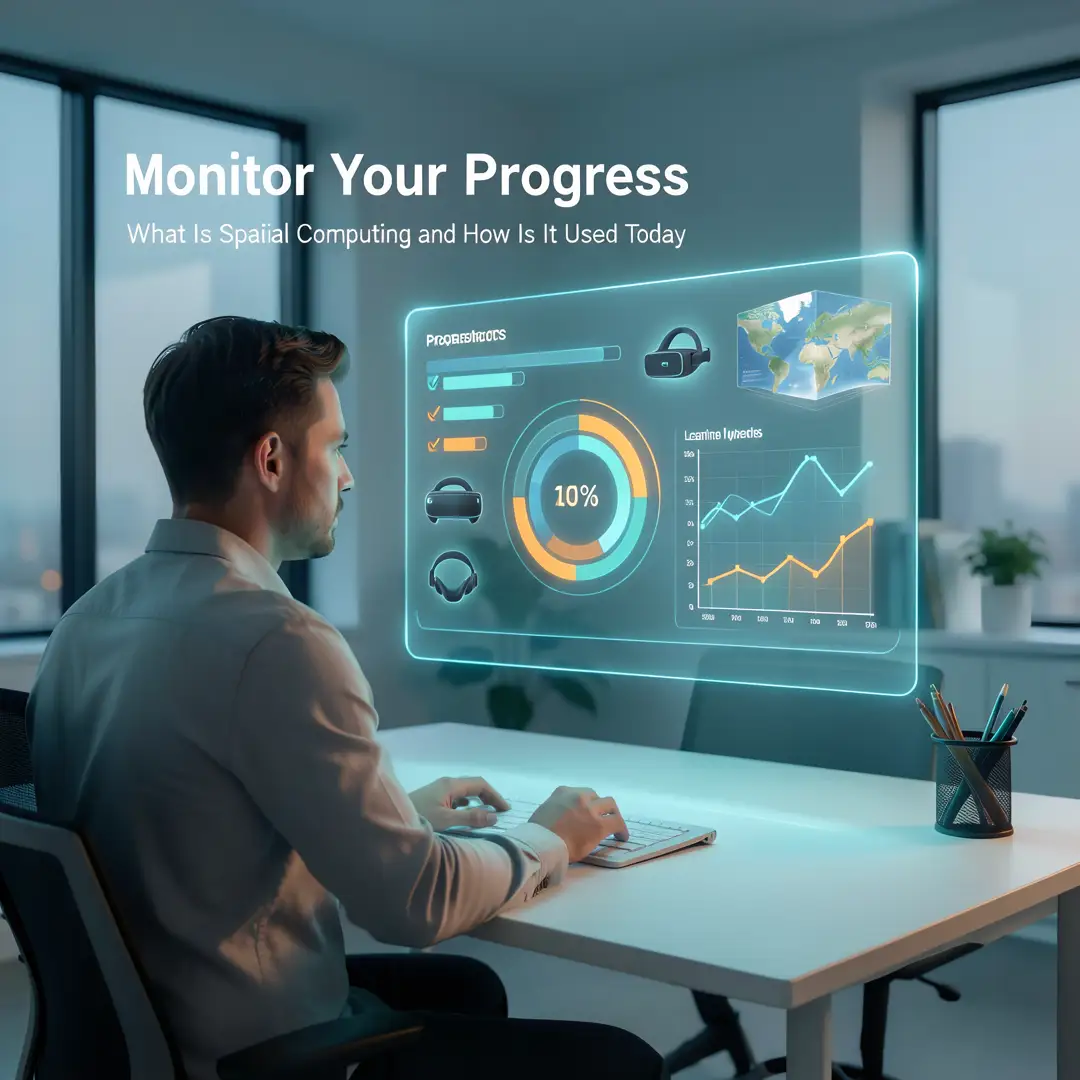
Step 6: Monitor your progress
Measure against the goals you set in Step 3. Track usage frequency, task completion time, user comfort scores, and any technical issues. After four to six weeks, decide whether to expand, adjust, or stop. Reliable information and consistent habits lead to better long-term outcomes, so review your data honestly instead of relying on first impressions. Update your plan and repeat the cycle as the technology improves.
FAQ
What should I know about What Is Spatial Computing and How Is It Used Today?
Spatial computing blends digital content with the physical world by understanding three-dimensional space. It is used today in manufacturing for guided repairs, in healthcare for surgical planning and training, in architecture for full-scale walkthroughs, in retail for product visualization, and in education for immersive learning. For everyday users, the most accessible entry points are AR apps on smartphones,.
You now have a solid foundation for What Is Spatial Computing and How Is It Used Today. Apply the best practices above and revisit this guide as your needs evolve.